 Start creating
Pixcloud Audio 8 is our own AI music generator: make a song with AI from your own lyrics or from lyrics written by AI, in any genre, with vocals in Polish and other languages or as a pure instrumental. Once the track is ready you can extend it, re-record it in a new style or sing it with your own voice in the online Music Studio on Pixcloud.
Make a song with AI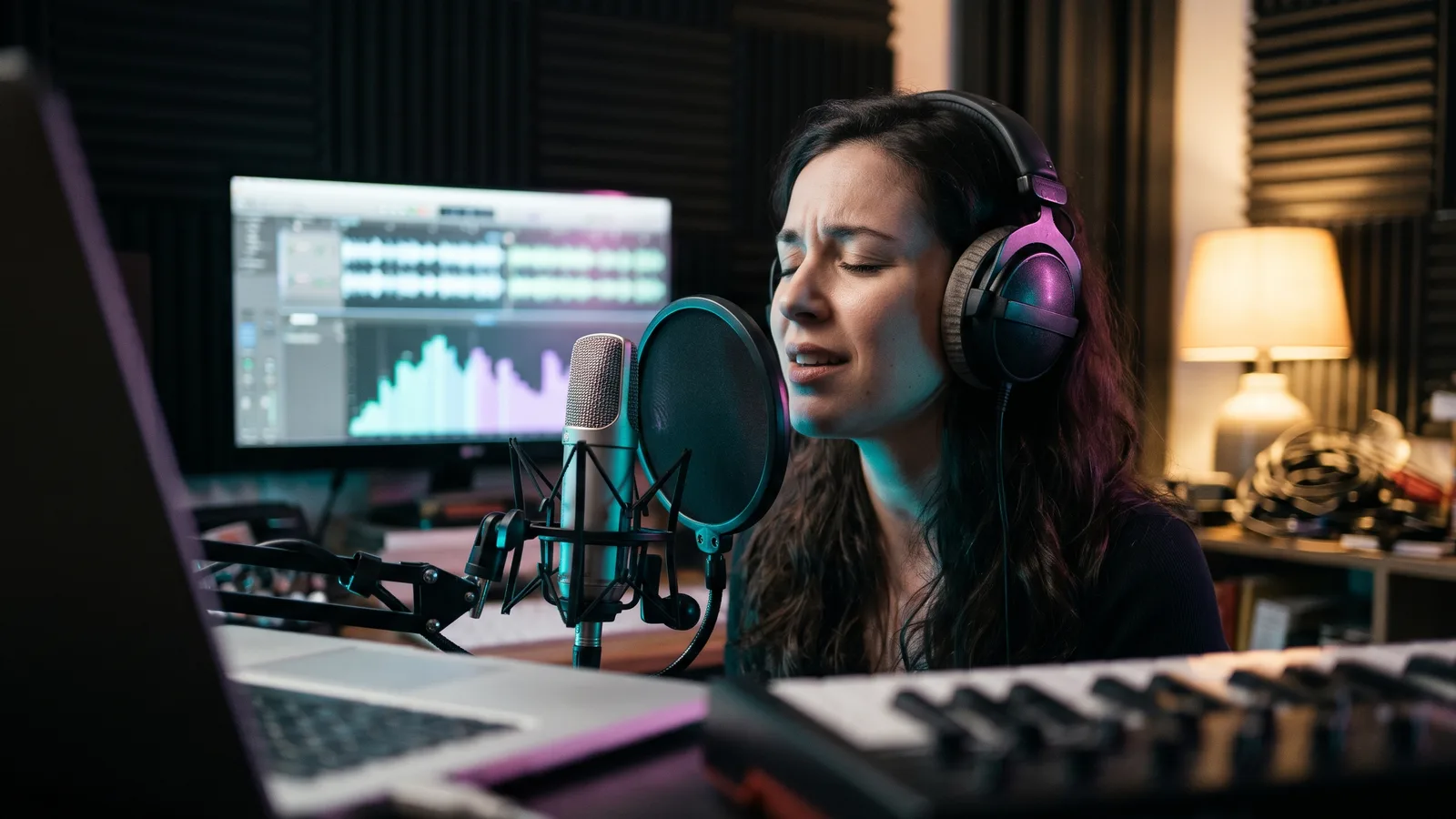
Pixcloud Audio 8 is our own music model, available on Pixcloud in the Music menu with a TOP badge (the Polish version of the service calls it Pixcloud Audio 8). From a short description or finished lyrics it builds a complete song: vocals, instruments, arrangement and mix, in whatever genre you name: pop, rock, rap, ballad, folk, electronic or a lullaby. You set the title, the music style and the voice, and if you only need a backing track you switch on instrumental mode. There are also two modes: Standard, the most predictable, and Storm, which gives less predictable, more varied arrangements.
What sets it apart from most AI music tools: it is an AI that sings in Polish, not only in English. Type the lyrics in Polish and they are sung in Polish, with the same workflow for other languages. And the song does not end at download: it lands in the Music Studio, where you can extend it, record a cover in a different style, split it into stems, turn it into a karaoke MP4 with cover art, create a voice persona or sing it yourself with the Voice Clone feature. Lyrics written by AI deserve a quick read before you generate, and pronunciation is worth checking across two or three variants.
Pixcloud offers Pixcloud Audio 8 in the same place as every other tool: the same credits, the same gallery, the same account. You see the cost of a generation in credits before you click Generate, with no mandatory subscription, and under the terms of service you hold full commercial rights to the tracks you generate. The Music Studio lives at pixcloud.app/music-studio.html.
Paste finished lyrics and the model sings them. Mark the structure in square brackets: [Verse], [Chorus], [Bridge], and add a cue such as [guitar solo] if you like. The clearer the sections and the more even the lines, the better the vocal lands on the beat. Generate two or three variants and keep the one that sounds best.
Polish lyrics in, Polish singing out. Pixcloud Audio 8 generates Polish vocals, female or male, in the style you describe: soft, raspy, rapped, choral. Other languages follow the same workflow. If a word comes out unclear, change its spelling or its position in the line and generate again; that is faster than fighting the whole text.
No lyrics yet? Pick the "From a description" mode: say what the song is about, who it is for and in what mood, and the AI writes the words and sings them right away. When you work with your own lyrics, the "Write lyrics with AI" function drafts a text you can edit, and in the Studio the "Boost style" button expands a short note into a full music style. Check rhymes, line length and repetition before generating.
Switch on "Instrumental (no vocals)" and you get a backing track only: music for a YouTube video, a podcast intro, a bed under reels, a presentation or a website. For songs with vocals you can also download the instrumental on its own, and when your footage is longer than the track, the "Extend track" function continues it in the same style.
The Voice Clone feature on Pixcloud lets you sing with your own voice in AI songs. A voice persona works differently: you select a vocal section of a generated track on the player, click "Create persona" and get the same voice in your next songs, which is handy for a series of tracks or a brand sound. Clone only your own voice or the voice of someone who has given clear consent.
A name, the occasion, two memories and a mood are enough for a custom birthday song made with AI, a wedding entrance or first dance song, an anniversary track, a song for mum or for a child. Businesses use the same recipe for an ad jingle: name, slogan, style, done. In the Studio you can turn the track into an MP4 with cover art and lyrics to show on a screen.
| Category | Typical music generator | Pixcloud Audio 8 |
|---|---|---|
| Vocal language | Mostly English, other languages without any promise | Sings in Polish and other languages, lyrics typed as written |
| Lyrics | Generated automatically | Your own lyrics with [Verse] and [Chorus] tags, or lyrics written by AI |
| Voice | Different on every run | Adjustable voice, voice persona, Voice Clone with your own voice |
| Instrumental | Separate tool or no option | Instrumental mode, instrumental download, stems: 2 or 12 tracks |
| After generating | A file to download and that is it | Music Studio: extend, cover in a new style, karaoke MP4 with cover art |
| Billing and rights | Subscription, free plans often non-commercial only | Credits, cost shown before generating, full commercial rights |
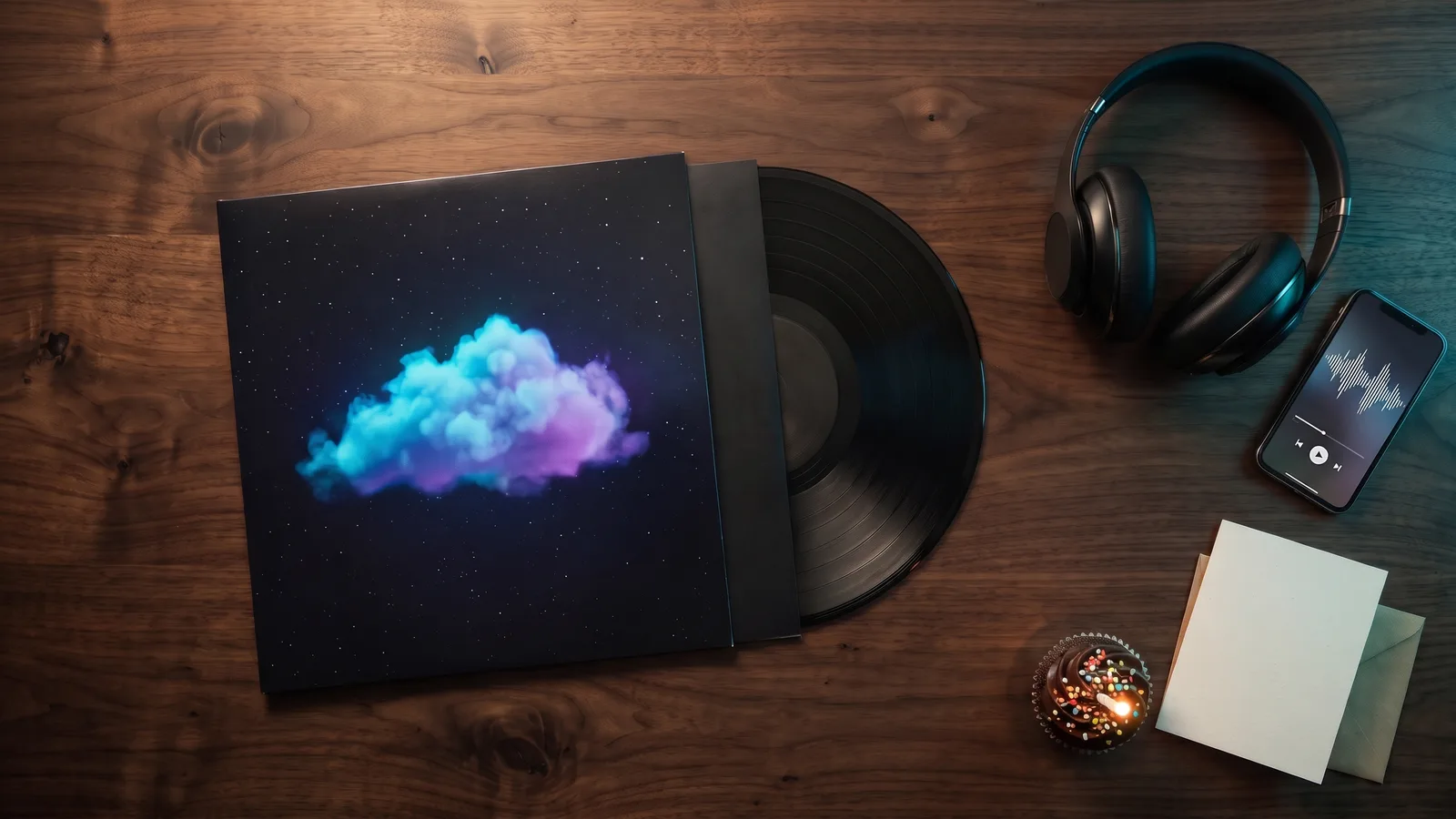
A finished track with cover art: in the Music Studio you can create cover art and a karaoke MP4 with the lyrics, download the instrumental on its own or split the song into stems for your own mix.
Create an account or log in to Pixcloud. You need an account to generate music and keep your tracks in your gallery and in the Music Studio. Credits come in packs and work in every tool on the service, not just music, so one pack covers songs, images and video.
On the home page open the Music menu and choose Pixcloud Audio 8 (TOP badge). Pick a mode: "From a description" when the AI should write the lyrics, or "With your own lyrics" when you paste yours. Enter a title, describe the style briefly and concretely, for example "pop ballad, female vocal, piano, emotional", set the voice, and tick Instrumental if you only want a backing track. You see the cost in credits before you click Generate. The finished track appears in your gallery and in the Music Studio, where you can extend it, record it in a new style, split it into stems or make a karaoke MP4.
Yes. Pixcloud Audio 8 generates Polish vocals: you type the lyrics in Polish, describe the style briefly, and the model sings in that language. Other languages follow the same workflow. Pronunciation does not hit every accent every time, so generate two or three variants and keep the one with the cleanest diction, or spell a tricky word phonetically or move it within the line.
Yes. Choose the "With your own lyrics" mode and paste the text into the field. Mark verses, chorus and transitions in square brackets: [Verse], [Chorus], [Bridge]; you can add a cue such as [guitar solo]. If you have no lyrics, click "Write lyrics with AI" or choose the "From a description" mode, where the AI invents the words itself. Do not paste other people's copyrighted lyrics.
Yes. Under the Pixcloud terms of service you hold full commercial rights to the content you generate, so you can use a track in a YouTube or TikTok video, in an ad, at a wedding or in a podcast, with no royalties owed to Pixcloud. To be honest about the limits: copyright protection for AI-generated music is unsettled in many countries, and video platforms sometimes raise automated third-party claims, which you can dispute. Do not imitate specific artists and do not clone anyone's voice without consent.
Choose the "From a description" mode and type the person's name, the occasion, two or three memories and the mood, for example "upbeat, pop, for dancing" or "warm piano ballad". The AI writes lyrics with those details and sings them; you can also paste your own lyrics. Download the finished file and send it, or turn it into an MP4 with cover art and lyrics in the Music Studio to play on a screen. The same recipe works for a song for mum, for a child, for an anniversary or for a wedding.
Yes. Tick "Instrumental (no vocals)" before generating and you get the backing track only. For songs with vocals you can download the instrumental on its own, and in the Music Studio you can split the song into stems: vocals and instrumental, or 12 separate tracks for further work in your DAW. You can also upload your own instrumental and add AI vocals on top, or upload your own vocal recording and let the AI build an instrumental that fits it.
Credits instead of a mandatory subscription. You pay only for the tracks you actually generate, and the same pack works for music, images and video.
Task queue, gallery and Music Studio in one place. The service stays stable even when you generate many variants of the same song.
Help when something breaks or you want to improve a style description. Whether you make one song or a whole series, we are here.